Most ranking problems never show up on the page itself. They live in the code, in server response headers, in how a browser renders content before Google ever gets to read it. A site can have sharp copy and a clear content strategy and still lose visibility - not because the writing is weak, but because a noindex tag survived a staging migration, or a hero image is quietly adding two seconds to load time on mobile.
A technical SEO check is how you catch those problems before they cost you traffic. It looks at crawlability, indexability, page speed, and site structure - the mechanical layer that decides whether a search engine can access and understand a site at all. That's a different job from on-page or content SEO, which deals with what's written on the page. Technical SEO deals with whether that page can be found, loaded, and processed correctly in the first place.
This guide walks through the metrics that matter most in a technical SEO audit, what "good" looks like for each one, and how they connect to sustainable, long-term rankings rather than a one-time fix.
What Is a Technical SEO Audit, and Why Does It Matter?
A technical SEO audit examines how well search engines can crawl, render, and index a website. It sits underneath content and link-building work - no amount of good content ranks consistently if the underlying site has crawl errors, slow load times, or broken indexing signals.
It helps to keep the three layers of SEO separate:
Technical SEO - crawlability, site speed, mobile usability, structured data, security
On-page SEO - titles, meta descriptions, headings, content quality, internal linking relevance
Off-page SEO - backlinks, brand mentions, external signals of authority
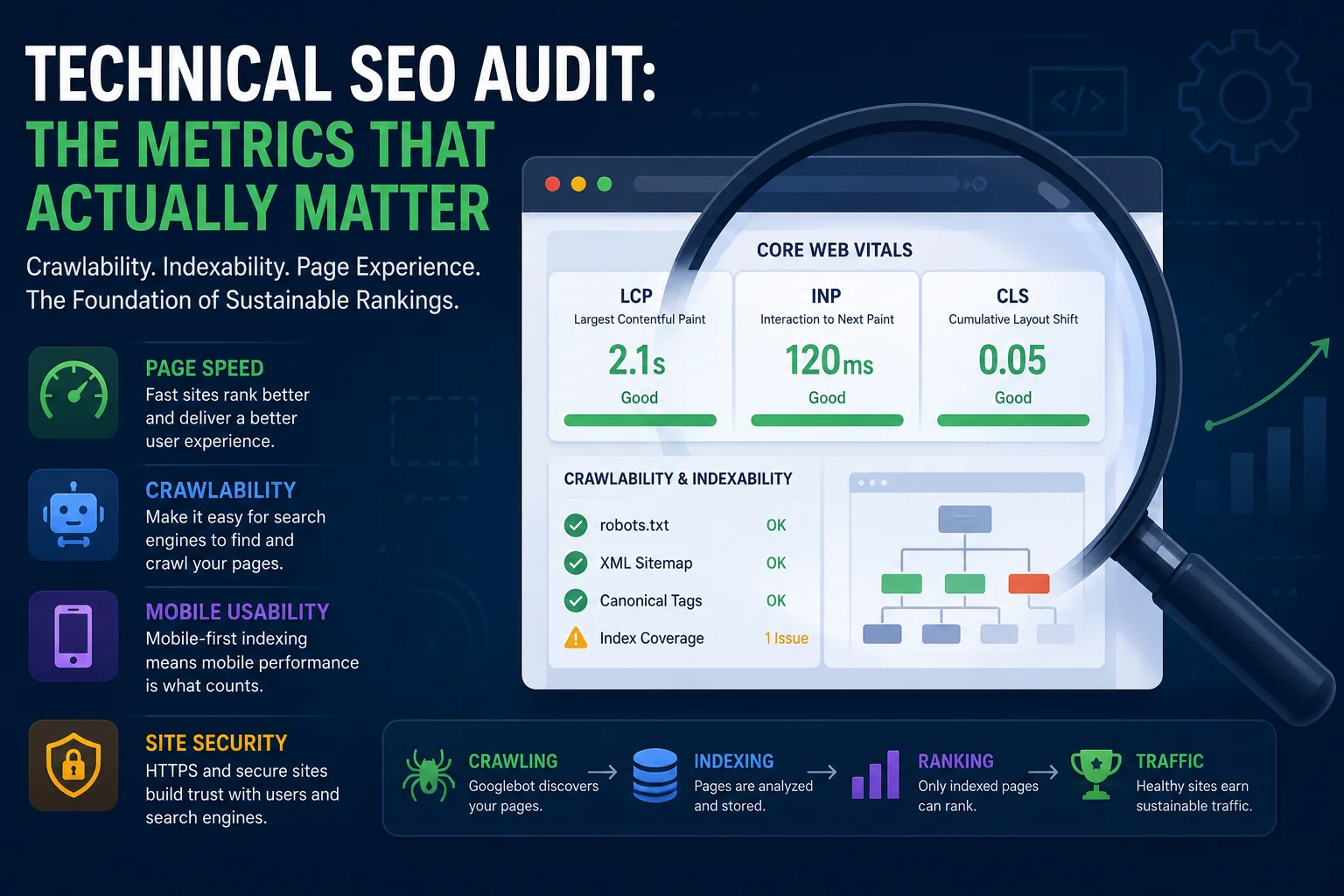
Google's own documentation on how Search works walks through this pipeline: crawling, indexing, and ranking happen in that order, and a failure at the crawling or indexing stage means a page never reaches the ranking stage at all. That's why technical health functions as a ceiling - everything built on top of it, no matter how good, can't outperform it.
Core Web Vitals: Still the Most Concrete Signal You Can Measure
Core Web Vitals measure real-world page experience, and of everything covered in a technical SEO check, they're among the few metrics with a public, well-documented methodology behind them. Google's Chrome team publishes the reasoning for each threshold directly, based on human-perception research rather than an arbitrary cutoff - see How the Core Web Vitals thresholds were defined for the underlying data.
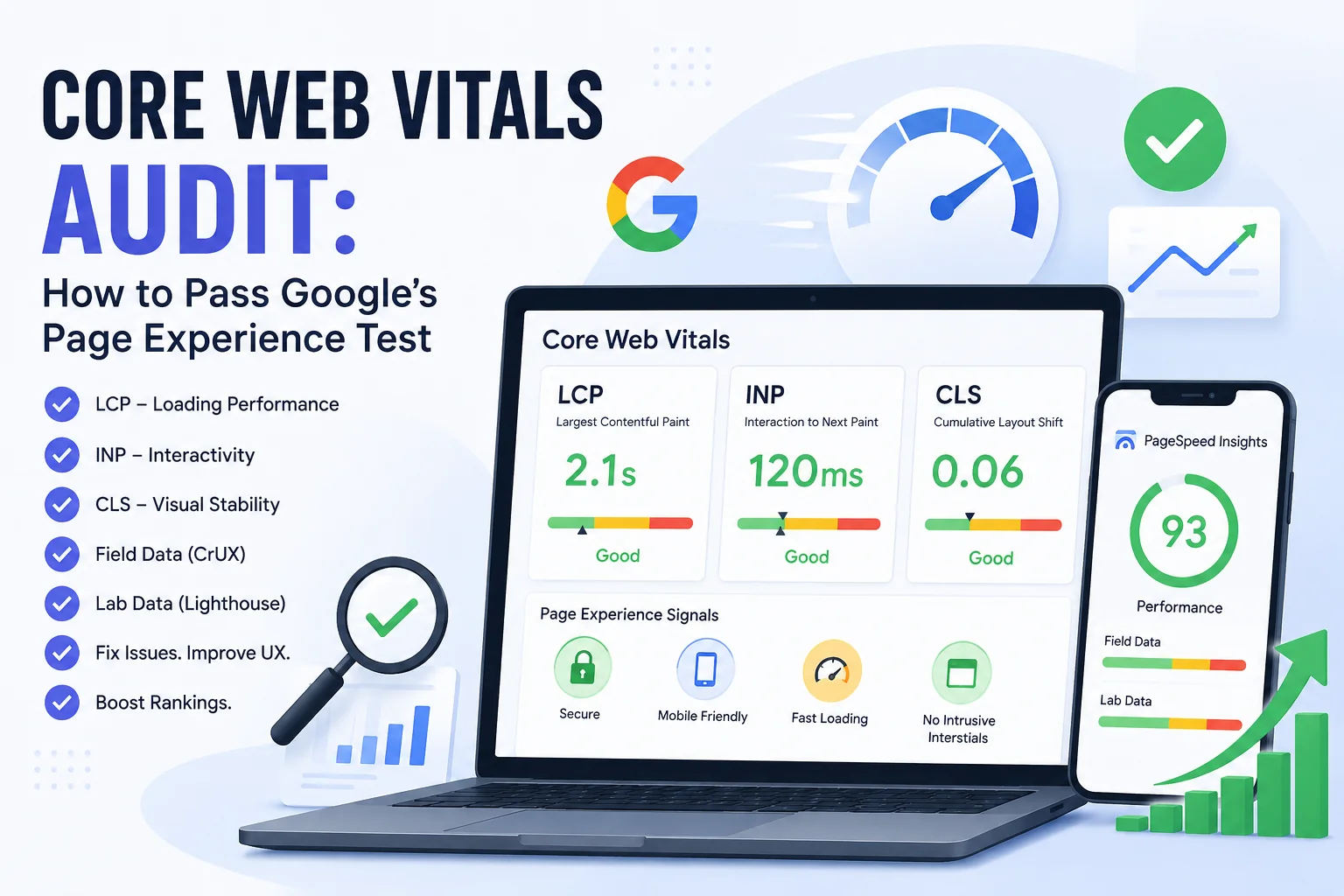
LCP (Largest Contentful Paint) LCP measures how long it takes the largest visible element on a page to render. Google's benchmark for a good score is 2.5 seconds or less, measured at the 75th percentile of real visits - a threshold that has held steady since Core Web Vitals launched. Common causes of a poor score: unoptimized hero images, slow Time to First Byte, and render-blocking CSS or JavaScript loaded above the fold. Google's LCP documentation has the full technical breakdown.
INP (Interaction to Next Paint) INP replaced First Input Delay as the official responsiveness metric in March 2024. Instead of judging only the first click or tap, it evaluates every interaction across a page's full lifecycle and reports the worst one - a stricter, more honest test of how a page actually feels to use. The good threshold is 200 milliseconds or less. Heavy third-party scripts, chat widgets, and long JavaScript tasks are the usual culprits.
CLS (Cumulative Layout Shift) CLS measures visual stability - how much content jumps around while a page loads. The target is under 0.1. It's typically caused by images or ads without defined width and height, web fonts that swap in late, or content injected above what the user is already reading.
A word of caution worth building into any audit: quite a bit of SEO content published this year claims Google quietly tightened these thresholds in 2026. As of this writing, Google's own Web Vitals documentation still lists LCP at 2.5s, INP at 200ms, and CLS at 0.1 - unchanged. Treat any claim of a threshold change with skepticism unless it traces back to web.dev or Search Central directly, and verify your own numbers with real user data rather than a single lab test.
Desktop and mobile scores also tend to diverge more than people expect. A site scoring 90+ on desktop can drop into the 40s on mobile due to different network conditions and processing power - and mobile is what Google indexes first, so the mobile number is the one that actually counts.
Crawlability and Indexability: Where the Costliest Mistakes Hide
Before speed or structure matters at all, a page has to be reachable and eligible for indexing. This part of a technical SEO check tends to surface the most consequential - and most avoidable - errors:
robots.txt errors - accidental Disallow rules that block entire sections of a site from being crawled
XML sitemap accuracy – ensuring XML sitemaps contain only canonical, indexable URLs, not redirected, 404, or noindex pages.
Canonical tag conflicts - pages pointing to the wrong canonical, or canonical chains that confuse indexing signals
Index coverage issues - noindex tags accidentally left on live pages after a staging-to-production migration, or duplicate content competing for the same query
The Search Console Crawl Stats report is the primary source of truth here - it shows total crawl requests, response codes, and average server response time over the last 90 days, sourced directly from Googlebot's own activity rather than a third-party estimate. Check it before assuming a ranking drop is content-related; a spike in 5xx errors or a stalled crawl often explains a traffic dip that looks, at first glance, like an algorithm problem.
A sitemap listing a page that robots.txt blocks is a direct contradiction - it wastes crawl budget and sends conflicting signals about what should be indexed. Auditing sitemap and robots.txt together, not in isolation, catches this kind of self-inflicted issue early.
Site Structure, HTTPS, and Mobile Usability
HTTPS implementation - mixed content warnings (HTTP resources loading on an HTTPS page) and expired or misconfigured SSL certificates
Mobile-first indexing readiness - since Google primarily indexes the mobile version of a site, any content, links, or structured data missing from mobile simply doesn't count
Internal linking depth - how many clicks it takes to reach a page from the homepage; pages buried more than 3-4 clicks deep tend to get crawled and ranked less consistently
URL structure and redirect chains - multiple 301 redirects stacked on top of each other slow crawling and dilute link equity along the way
Structured Data and Schema Markup
Structured data (schema markup) doesn't move rankings directly, but it determines whether a page is eligible for rich results - star ratings, FAQ dropdowns, product pricing, and similar enhanced listings. Rich results tend to lift click-through rate, which is where the indirect SEO benefit comes from.
Common errors: missing required fields for a given schema type, using deprecated schema types, or applying schema that doesn't match the visible page content - something Google's structured data guidelines explicitly discourage, since mismatched markup can trigger a manual action.
Google's Rich Results Test is the standard tool for validating markup before publishing. It's often the last thing checked in an audit - and, not coincidentally, the first thing that breaks silently after a template update.
Key Technical SEO Metrics to Track Over Time
Metric | Good Benchmark | Where to Check It |
|---|---|---|
LCP | ≤ 2.5s | PageSpeed Insights |
INP | ≤ 200ms | PageSpeed Insights / Chrome User Experience Report (CrUX) |
CLS | ≤ 0.1 | PageSpeed Insights |
Crawl errors | 0 critical | Search Console (Crawl Stats) |
Index coverage | 100% of priority pages | Search Console |
HTTPS status | Fully secured, no mixed content | Manual review / site crawler |
Mobile usability errors | 0 | Search Console |
These aren't a one-time checklist. They shift after redesigns, plugin updates, CMS migrations, and even seasonal traffic spikes. Tracking them on a regular cadence - not checking once before a launch and moving on - is what actually separates sites with stable rankings from sites that keep reacting to drops after the fact.
How to Run a Technical SEO Check Without the Manual Cross-Referencing
Manually covering everything above - Core Web Vitals, crawl errors, index coverage, HTTPS, mobile usability, structured data - means working across five or six separate tools and reconciling the results by hand. It's doable. It's also slow, and easy to get wrong on a larger site where the same issue can hide across hundreds of templates.
SEOAudit Tool automates this into a single report. It pulls PageSpeed scores, Core Web Vitals, HTTPS status, mobile usability, crawlability, and structured data validation in one pass, and pairs the technical findings with on-page analysis, organic visibility data, and recommendations ranked by likely impact rather than a generic to-do list.
A few practical details:
Report delivered in about 3 minutes, sent as a DOCX file to your inbox
No registration required to run an audit
Starts at $1.61 per audit, with a discounted 25-audit pack for agencies or ongoing monitoring
Available in 6 languages
It won't replace understanding what the metrics actually mean - but it removes the grunt work of gathering them from five different dashboards before you can start fixing anything.
Common Technical SEO Mistakes That Undermine Rankings
Ignoring mobile performance because desktop scores look fine. Since mobile-first indexing means Google evaluates the mobile version first, a strong desktop score can mask a mobile experience that's actively holding the site back.
Treating a technical audit as a one-time task. Sites change constantly - new plugins, template updates, content migrations - and any of these can silently reintroduce issues that were already fixed once.
Fixing symptoms instead of root causes. Compressing one slow-loading image fixes that image; it doesn't fix a site-wide pattern of unoptimized media or render-blocking scripts causing the same LCP issue on every page that uses the template.
Neglecting local technical signals. For local-service businesses, technical SEO extends to Google Business Profile health too - see our guide on Google Business Profile audits for how local signals interact with core technical performance.
Technical SEO is the foundation everything else in a site's search performance is built on. Strong content and backlinks can't compensate for pages that fail to load, crawl, or index correctly. Running a consistent technical SEO analysis - not a one-off fix before a launch - is what keeps rankings stable as algorithms, devices, and user expectations keep shifting underneath them.
If you want the full picture without manually cross-referencing five different tools, start a technical SEO audit - full report delivered to your inbox in about 3 minutes, starting at $1.61.
FAQ
What is included in a technical SEO check?
A full technical SEO check typically covers Core Web Vitals (LCP, INP, CLS), crawlability and indexability (robots.txt, sitemaps, canonical tags), HTTPS and security, mobile usability, site structure and internal linking, and structured data validation.
How often should you run a technical SEO analysis?
At minimum, quarterly - and immediately after any major site change, such as a redesign, CMS migration, or significant content restructuring. High-traffic or frequently updated sites benefit from monthly checks.
What's the difference between technical SEO and on-page SEO?
Technical SEO controls whether a page can be crawled, rendered, and indexed correctly. On-page SEO controls the relevance and quality signals within that page - titles, headings, content, internal links. Both are required; neither compensates for failures in the other.
Can Core Web Vitals alone affect rankings?
Core Web Vitals are a confirmed part of Google's page experience signals, but they work alongside content relevance and other quality signals rather than in isolation. A fast page with thin or unhelpful content still won't outrank a well-optimized, genuinely useful one.
Do I need developer skills to fix technical SEO issues?
Some fixes - updating meta tags, correcting sitemap entries - don't require code. Others, like eliminating render-blocking scripts or untangling a redirect chain, typically need a developer to implement correctly.