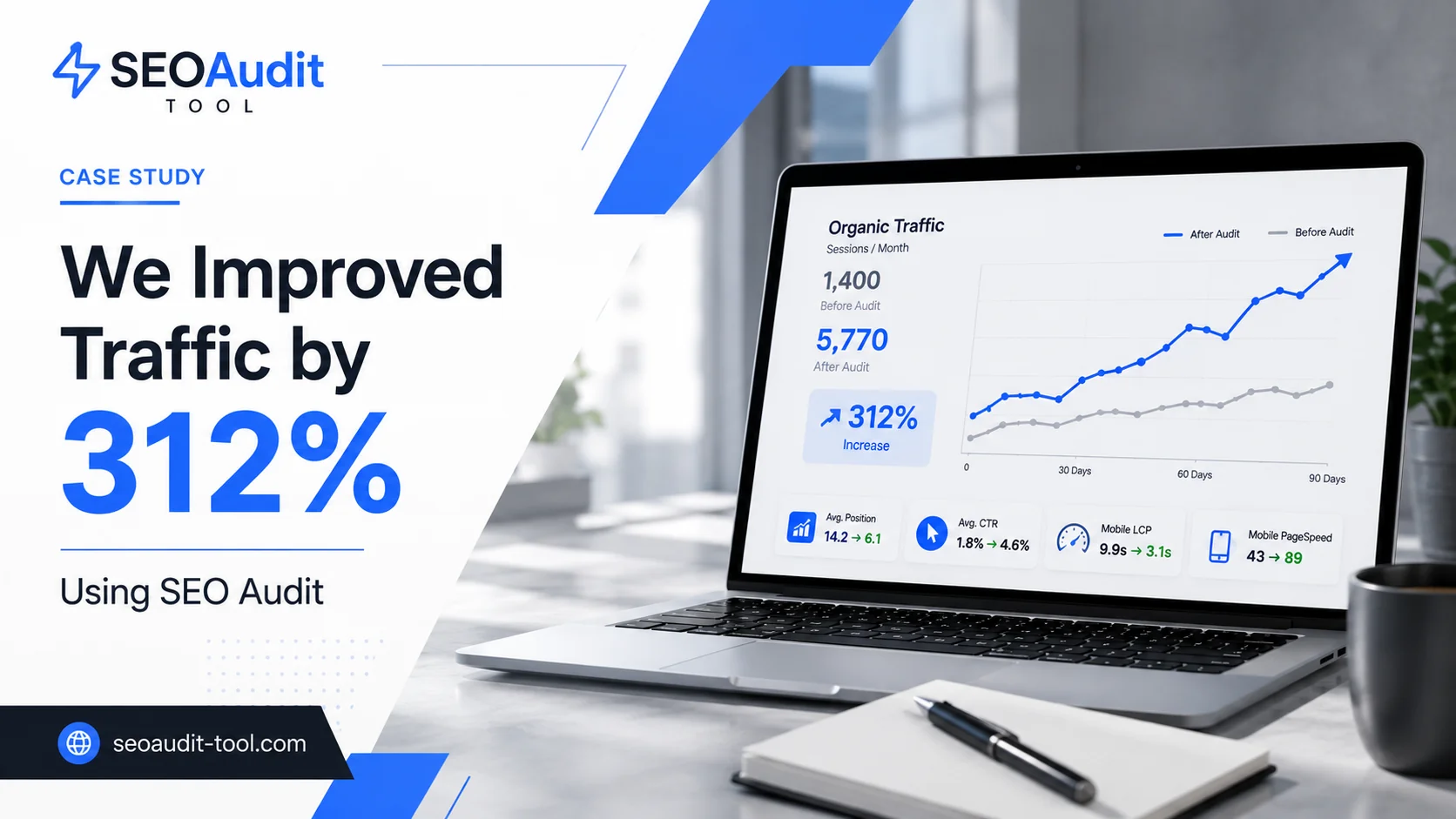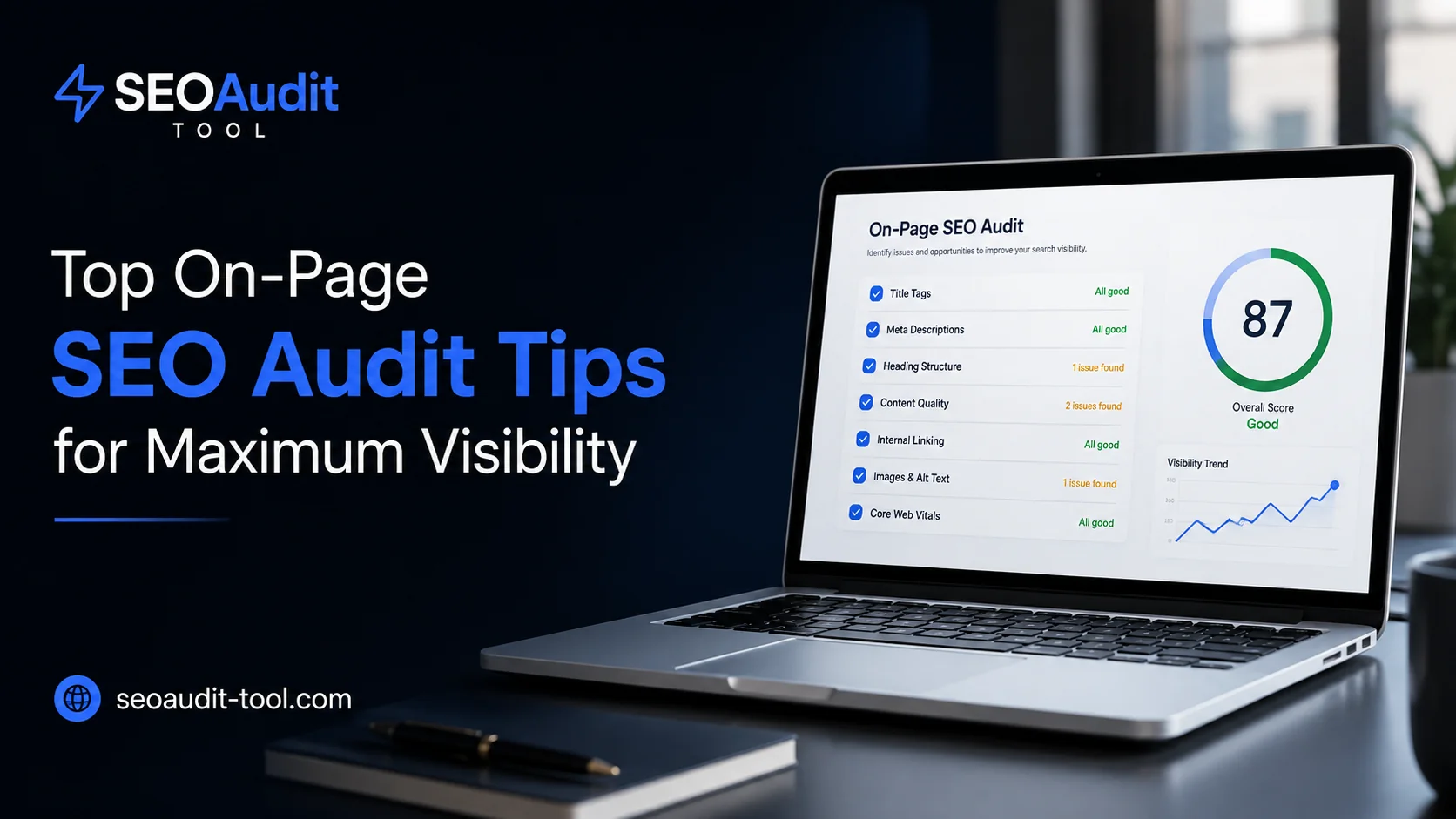
Most sites that stop growing in organic search aren't broken. They're technically sound, they load fast, and they don't have obvious crawl errors — yet rankings stay flat. Pull up Google Search Console for one of these sites and you'll usually see the same pattern: impressions are healthy, but average position hovers just outside the top results, and click-through rate is lower than it should be for where the page ranks. That gap is rarely a technical problem. It's an on-page one — weak titles, generic meta descriptions, unclear heading structure, or content that doesn't fully answer what the searcher is looking for.
This is what an on-page SEO audit is built to catch. It's a structured review of the elements search engines and users see directly on a page — not server configuration or backlinks, but the content and HTML elements that determine relevance and click-through. Below is a practical breakdown of what to check, why it matters, and how to fix what you find.
Quick summary: an on-page audit covers title tags, meta descriptions, heading structure, content depth, internal links, images, and Core Web Vitals. Start with titles and meta tags — they're the fastest to fix and the most visible to searchers — then work through content and structure.
What Is an On-Page SEO Audit (and Why It Matters)
An on-page SEO audit evaluates the factors that live inside a single page: titles, meta tags, headings, body content, internal links, images, and URL structure. It's different from a technical audit, which looks at crawlability, indexation, and site speed, and different from an off-page audit, which focuses on backlinks and external signals.
The distinction matters because fixes in one area rarely compensate for gaps in another. A page can be perfectly crawlable and still underperform if its title doesn't match search intent, or if its meta description gives Google no reason to prioritize it in a snippet. Google's own Search Essentials documentation is explicit about this: helpful content, relevant keywords, and clear page structure are treated as core ranking factors, separate from the technical baseline a page needs to be indexed at all.
In practice, this means an on-page audit should be treated as its own recurring task — not a one-time cleanup, but a checklist you return to every time you publish or significantly update a page.
On-Page SEO Audit Checklist: Where to Start
Before diving into any single element, it helps to work from a fixed on-page SEO audit checklist rather than reviewing pages ad hoc. A consistent checklist prevents you from missing elements that don't show obvious symptoms but quietly cap a page's performance.
At minimum, your checklist should cover:
Title tags and meta descriptions
Heading hierarchy (H1–H4)
Content quality and keyword relevance
Internal linking and URL structure
Image optimization and alt text
Page experience signals (Core Web Vitals)
Each of these is covered in detail below. Run through them in order — title and meta tag issues tend to have the fastest, most measurable impact, so they're worth prioritizing first if your time is limited.
If you'd rather not go through this checklist line by line on every page, SEOAudit Tool runs a full on-page analysis — title tags, meta descriptions, heading structure, canonicals, and internal linking — as one section of a broader report, delivered to your inbox in about three minutes.
Meta Tag Analysis: Titles, Descriptions & More
Meta tag analysis is usually the highest-leverage part of an on-page audit, because titles and descriptions are what a searcher actually sees before clicking. Get them wrong, and even a well-ranked page underperforms on click-through rate.
Title Tag Best Practices
Every page needs a unique <title> element that describes its content clearly and concisely — Google's guidance on influencing title links recommends avoiding vague text (like "Home" or "Untitled") and keeping titles descriptive without padding them with repeated keywords. Google generates the visible title link automatically, pulling from your <title> tag, on-page headings, and other signals, so an unclear title increases the chance Google rewrites it into something less aligned with your intent.
Practical checks:
Is the title under ~60 characters to avoid truncation?
Does it include the primary keyword close to the front, without stuffing?
Is it unique across the site — no duplicate titles on different URLs?
A quick before/after makes the difference concrete:
Before: Services | Acme Co.
After: Commercial HVAC Repair in Austin, TX | Acme Co.
The first version tells Google nothing about what the page actually offers, so it's a prime candidate for a rewrite in the SERP. The second describes the service and the location — exactly the kind of specificity that keeps your original title intact.
Meta Description Optimization
Meta descriptions aren't a direct ranking factor, but they influence click-through rate, which in turn affects performance. Google's documentation on writing meta descriptions notes that snippets are generated primarily from page content, and Google will only use your meta description if it's a better match for the query than surrounding text. That's a strong argument for writing accurate, specific descriptions rather than generic summaries — vague copy simply gets overwritten.
Aim for 150–160 characters, lead with the value proposition or answer, and avoid duplicating the same description across multiple pages.
Common Meta Tag Mistakes
Duplicate title tags across category or product pages
Missing meta descriptions, left for Google to auto-generate
Keyword-stuffed titles that read unnaturally
Meta descriptions that don't match the actual content below the fold
Fixing these is usually fast, and the impact on click-through and relevance signals tends to show up quickly in Search Console.
Heading Structure & Content Hierarchy
Headings do two jobs: they help users scan a page, and they help search engines understand how content is organized. A page should have exactly one H1 that reflects the primary topic, followed by a logical nesting of H2s and H3s that break the content into scannable sections — not a flat list of same-level headings, and not headings used purely for visual styling.
During an audit, check for:
Multiple H1 tags on the same page
Headings that don't match the surrounding content
Skipped levels (jumping from H1 straight to H4)
These issues rarely cause a page to be penalized, but they make content harder to parse — for users and for search engines.
Content Quality & Keyword Relevance
Keyword presence still matters, but relevance matters more. Google's SEO Starter Guide frames this clearly: the goal is to create content primarily for people, structured in a way that also makes it easy for search engines to understand. Keyword density calculations from a decade ago are largely irrelevant today; what matters is whether a page fully covers the intent behind the query it's targeting.
Practical questions to ask during an audit:
Does this page answer the question a searcher actually has, not just a related one?
Are related terms and subtopics covered, or does the content stop at a surface level?
Is there duplicate or near-duplicate content competing with this page elsewhere on the site?
Thin or duplicated content is one of the most common reasons a page fails to rank despite technically correct on-page elements.
Internal Linking & URL Structure
Internal links do more than pass authority between pages — they tell search engines which pages you consider important, and they give users a path to related content. Google's guidance on crawlable links points out that links need standard <a href> markup to be reliably crawled; links inserted only through non-standard scripting can be missed entirely.
During an audit, check:
Are important pages reachable within a few clicks from the homepage?
Is anchor text descriptive, rather than generic ("click here")?
Are URLs short, readable, and free of unnecessary parameters?
Clean URL structure also makes it easier to interpret a site's architecture at a glance — both for search engines and for anyone reviewing analytics later.
Images, Alt Text & Core Web Vitals
Images are part of on-page relevance too, not just page weight. Alt text should describe the image accurately and, where relevant, include context that supports the surrounding content — without turning into a keyword dump. Beyond alt text, image file size directly affects Core Web Vitals, particularly Largest Contentful Paint (LCP).
Google's own benchmarks for a good page experience are specific: LCP under 2.5 seconds, Interaction to Next Paint (INP) under 200 milliseconds, and Cumulative Layout Shift (CLS) under 0.1. Those numbers are worth checking against your own site rather than assuming — the desktop and mobile scores for the same page are often very different. It's common to see a site pass comfortably on desktop (LCP around 1.7s, for example) while the mobile version of the same page lands closer to 9–10 seconds, largely because of unoptimized images and render-blocking scripts that only show up under mobile network conditions. That gap alone is often enough to explain a page that ranks fine on desktop searches but underperforms on mobile.
A quick check: compress images before upload, use descriptive (not generic) file names, and confirm every meaningful image has alt text — decorative images can be left empty.
How to Increase Organic Visibility After the Audit
An audit is only useful if the findings get prioritized and fixed. Not every issue deserves the same urgency — the fastest way to increase organic visibility is usually to start with pages that already rank on page two or the bottom of page one, since small on-page improvements there tend to produce visible movement faster than fixing pages with no existing rankings at all.
A practical order of operations:
Fix duplicate or missing titles and meta descriptions first — low effort, measurable impact.
Address thin content on pages that already get some traffic.
Clean up heading structure and internal linking across the site.
Re-audit after major content updates, not just once a year.
Running this process manually across a large site is time-consuming, which is why tools like SEOAudit Tool exist. Instead of checking each element by hand, you get a full report — technical SEO, on-page analysis, organic visibility, and AI-generated recommendations ranked by impact rather than generic advice — for $1.61 per audit, with no registration required. The findings arrive as a DOCX report in your inbox in about three minutes, so the audit itself doesn't become the bottleneck.
Turn Your On-Page SEO Audit Into Ongoing Growth
On-page SEO isn't a single fix — it's a recurring discipline. Titles and meta tags typically deliver the fastest wins, but sustained visibility comes from treating heading structure, content depth, and internal linking as ongoing maintenance rather than a launch-day checklist. Review your pages on a regular basis, prioritize based on what's already close to ranking, and keep the checklist above on hand for every new page you publish. If you'd rather see where a page actually stands before you start editing, running it through SEOAudit Tool first will tell you exactly which of these fixes to make and in what order.
FAQ
How often should I run an on-page SEO audit?
For most sites, quarterly is a reasonable baseline — more often for pages that get frequent content updates or sit in a competitive niche. New or significantly edited pages should also get a quick pass before publishing, not just during a scheduled review.
Is an on-page SEO audit checklist enough on its own?
No. It's the fastest starting point, but a complete picture also requires a technical audit (crawlability, indexation, site speed) and, ideally, a look at backlinks and off-page signals. On-page work fixes relevance and clarity; it can't compensate for a page Google can't crawl in the first place.
What's the difference between meta tag analysis and a full technical SEO audit?
Meta tag analysis looks specifically at titles, descriptions, and related HTML tags — a narrow but high-impact slice of on-page SEO. A technical audit is broader: server response codes, robots.txt, sitemaps, HTTPS, and crawl budget all fall outside what meta tags can tell you.
Can fixing on-page issues really increase organic visibility on its own?
It depends on where the page currently stands. Pages already ranking on page one or two tend to see the fastest movement from on-page fixes, since the content and backlink profile are usually already competitive — the missing piece is often just relevance signals like titles and headings. Pages with no existing rankings usually need content and authority work first.