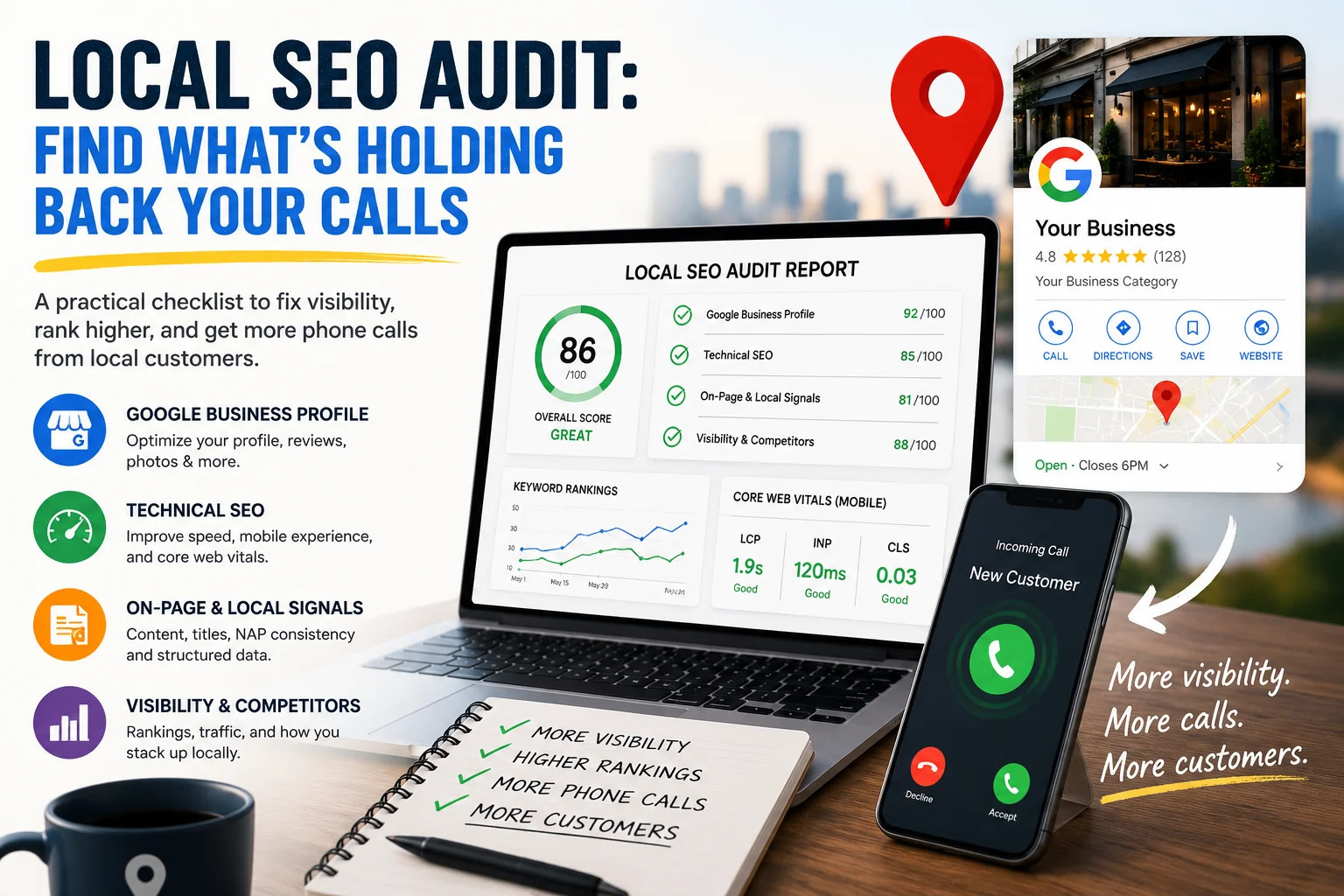
If your business shows up on Google but the phone still isn't ringing, the problem is rarely a mystery - it's diagnosable. A local SEO audit is the process of finding exactly where that gap is coming from: a Business Profile that's missing key information, a site that's too slow on mobile, or rankings that look fine on paper but don't actually convert into clicks and calls.
The stakes are higher than they look. According to Google's 2016 mobile search research, 76% of people who searched on their smartphone for something nearby visited a business within a day, and 28% of those searches led to a purchase. While these figures remain widely cited, they're based on a 2016 study. More recent Google Business Profile data shows customer actions — including calls, website visits, direction requests, and bookings — increased by 41% year over year between 2025 and 2026, highlighting the growing importance of local search visibility. That's an extremely short window - if your profile, site, or rankings aren't working properly, the customer doesn't wait around. They call the next business on the list.
This isn't about chasing a #1 ranking for its own sake. It's about identifying the specific things holding your visibility back, in the order that actually moves the needle. Below is a practical Local SEO checklist you can run yourself, section by section, plus where automating it saves real time.
What a Local SEO Audit Actually Measures (and Why Rankings Aren't Enough)
Ranking position is a proxy, not the goal. Two businesses can rank in the same spot on the map pack and get very different numbers of calls, depending on how complete their profile is, what their reviews say, and whether their website converts once someone clicks through.
Google's own documentation is clear about what actually drives local ranking. According to the Google Business Profile Help Center, local results are based mainly on three factors: relevance (how well your profile matches what someone searched for), distance (how close you are to the searcher), and prominence (how well-known and trusted your business is, largely driven by reviews and links). A local SEO audit is really an audit of these three inputs, plus the technical foundation that lets your website support them.
That means a proper audit has to look past keyword rankings and into:
How complete and accurate your Google Business Profile is
Whether your website loads fast and works properly on mobile
Whether your on-page content and structure match what searchers are actually looking for
How your visibility compares to the specific competitors ranking in your local pack
Skip any one of these, and you're auditing half the picture.
The Local SEO Checklist: 4 Areas to Audit Before You Touch Rankings
Run through these four areas in order. Each one builds on the last - there's little point optimizing content on a site that fails on mobile, and little point chasing rankings if your Business Profile is incomplete.
Google Business Profile Audit
Your Business Profile is often the first - and sometimes only - thing a searcher sees before deciding to call. A proper Google Business Profile audit checks more than whether the profile exists. Go through:
Category accuracy - is your primary category the closest match to what you actually do, with relevant secondary categories added?
Completeness - services, attributes, business hours (including holiday hours), and a business description that uses the same language your customers search with
Photos - count and recency; profiles with outdated or sparse photos read as inactive
Reviews - volume, average rating, and sentiment, plus whether you're responding to them
Q&A section - unanswered questions sitting in public view
Posts - whether you're using updates to show the profile is actively maintained
Apple Business Connect - verify your business listing appears correctly in Apple Maps, including your address, hours, contact details, and categories.
Bing Places - ensure your Bing Places listing is claimed and synchronized with your Google Business Profile to keep business information consistent across search platforms.
Profile status - check whether your Google Business Profile has been suspended or restricted. If it has, gather supporting business documentation before submitting an appeal, as recovery may take several days or even weeks.
Google's own guidance confirms why this matters: relevance is built from the details you provide, and prominence is shaped heavily by review volume and quality. An incomplete profile suppresses visibility even when your rankings otherwise look fine.
Technical SEO Fundamentals
A slow or broken website undermines everything else, no matter how strong your profile or rankings are. Technical fundamentals to check:
HTTPS and basic site security
Mobile usability - most "near me" searches happen on a phone, so mobile performance carries more weight than desktop
Crawlability - can Google actually access and index your pages
Structured data - LocalBusiness schema helps search engines understand your name, address, hours, and service area explicitly, rather than guessing from page text
Core Web Vitals - Google's own Search Central documentation sets specific, measurable thresholds: Largest Contentful Paint (LCP) under 2.5 seconds, Interaction to Next Paint (INP) under 200 milliseconds, and Cumulative Layout Shift (CLS) under 0.1. These aren't vague performance goals - they're the exact numbers Google uses to judge page experience, and they're worth checking on both desktop and mobile since results commonly differ between the two.
A page that fails Core Web Vitals on mobile is losing visitors before they ever see your content - which matters more for local businesses than almost any other type of site, given how mobile-heavy local search traffic is.
On-Page & Local Relevance Signals
Once the technical foundation is solid, check whether your site's content actually signals local relevance:
Title tags and meta descriptions - do they include your service and location, written for a human, not stuffed with keywords
Heading structure - a clear H1/H2 hierarchy that matches search intent
Dedicated service pages - each core service should have its own optimized page rather than being grouped together.
Location pages - businesses serving multiple cities should maintain unique pages for each location with original content instead of duplicating text.
Canonical tags - preventing duplicate or competing pages from splitting your relevance signals
Internal linking - service and location pages linked in a way that helps both users and Google understand your site structure
NAP consistency - your business Name, Address, and Phone number should match exactly across your website, Google Business Profile, and any directories you're listed on. Inconsistent NAP data is one of the more common, and more overlooked, causes of weak local trust signals.
Citation consistency – verify your business information across major local directories and data aggregators. Even small inconsistencies reduce trust and weaken local visibility.
Link Building & Local Authority
Even a perfectly optimized Google Business Profile has limited ranking potential without authority signals. High-quality backlinks from trusted local organizations, industry websites, chambers of commerce, local news outlets, and relevant business associations strengthen your domain's prominence - one of Google's core local ranking factors.
During a Local SEO audit, review:
backlink quality and relevance;
lost backlinks;
opportunities for local partnerships;
competitor backlink profiles.
Organic Visibility & Competitor Comparison
Finally, look at where you actually stand - not in isolation, but against the businesses you're competing with in the local pack:
Keyword rankings for your core service and location terms. Rankings from different physical locations - local search results vary depending on where the searcher is located. Check visibility from multiple areas within your service region instead of relying on searches performed from your office.
Estimated organic traffic and how it's trending
Position distribution - are you clustered on page one, or scattered across page two and three
A direct comparison against 2-3 real local competitors, since "good" rankings only mean something relative to who's actually beating you in your market
AI Overviews
Google increasingly surfaces AI-generated summaries for local and informational searches. During your audit, check whether your business appears as a cited source within AI Overviews and whether your content answers common customer questions clearly enough to be referenced.
How to Turn Audit Findings Into an Action Plan
An audit that just lists problems isn't useful on its own - the value is in prioritization. A simple way to sort findings is by impact versus effort:
High impact, low effort first: missing GBP fields, missing schema markup, broken title tags. Fix these immediately.
High impact, higher effort next: mobile Core Web Vitals failures, NAP cleanup across directories.
Lower impact items - cosmetic content tweaks, minor internal linking adjustments - come last.
This is also where AI-assisted recommendation tools genuinely help. Instead of a flat list of 40 issues with no order, a good tool ranks fixes by expected impact, so the first thing you do is also the thing most likely to move calls and leads.
Doing This Manually vs. Running an Automated Audit
Everything above can be done by hand, and for a single check-in it's a reasonable use of an afternoon. In practice, it means pulling data from several separate places - PageSpeed Insights for Core Web Vitals, Google Search Console for indexing and technical issues, your Business Profile dashboard for completeness and reviews, and a rank tracker for keyword positions - then manually cross-referencing all of it.
That's the exact gap SEOAudit Tool is built to close. It runs the same checklist above automatically and delivers it as a single report:
Technical SEO - PageSpeed scores, Core Web Vitals, HTTPS, mobile, crawlability, structured data
On-page analysis - title tags, meta descriptions, heading structure, canonical tags, internal linking
GBP audit - profile completeness, review sentiment, competitor comparison, missing fields
Organic visibility - keyword rankings, estimated traffic, and position distribution via DataForSEO
Ad forecast & budget - a Google Ads budget planner with CPC analysis and conversion estimates, for businesses weighing paid alongside organic
AI recommendations - specific fixes ranked by impact, not generic advice
The report covers 6 sections, is delivered in about 3 minutes, supports 6 languages, and requires no registration - the report is emailed directly, for $1.61 per audit. For agencies or businesses running audits regularly, a 25-audit pack brings the cost down to $1.29 per audit and adds a dashboard with history and priority processing.
You can see exactly what's included by checking a sample report before running your own.
Common Local SEO Audit Mistakes to Avoid
A few patterns show up repeatedly in audits that don't lead anywhere useful:
Auditing rankings only, and ignoring the Business Profile. Rankings without a complete, trustworthy profile rarely convert into calls.
Treating NAP inconsistency as low priority. It's easy to overlook, and it quietly undermines trust signals across every directory where your business is listed.
Checking desktop speed and assuming mobile is fine. The two frequently produce very different Core Web Vitals results, and mobile is where most local searches happen.
Running an audit once and never again. Local search results shift as competitors update their profiles and content. A quarterly re-check catches problems before they compound.
Rankings and reviews only matter if they turn into calls. Running the checklist above will tell you exactly where that isn't happening yet - and SEOAudit Tool can get you the same analysis, prioritized and in your inbox, in a few minutes. Run Your Local SEO Audit.
FAQ
What is a local SEO audit?
A local SEO audit is a structured review of the factors that determine how visible your business is in local search results - your Google Business Profile, technical site performance, on-page content, and organic rankings relative to nearby competitors.
How often should I audit my Google Business Profile?
Quarterly is a reasonable baseline for most businesses. Profiles with active review activity, seasonal hours, or frequent service changes benefit from checking more often.
What's the difference between a local SEO audit and a general SEO audit?
A general SEO audit focuses on overall organic performance. A local SEO audit adds location-specific factors - Google Business Profile health, NAP consistency, and local pack competitor comparison - that don't apply to businesses without a physical service area.
Can I do a local SEO audit myself, or do I need a tool?
You can run through the checklist manually using free tools like PageSpeed Insights, Search Console, and your GBP dashboard. A tool mainly saves time by pulling everything into one report and prioritizing fixes automatically, rather than requiring the analysis yourself.
How long does a local SEO audit take?
Manually, expect an hour or more to check all four areas properly. An automated report, like the one from SEOAudit Tool, delivers the same coverage in about 3 minutes.